 publish
Write and preview an issue
A saved issue whose web and email previews you have checked.
Before you start
Any writer plan. Drafts are private.
Where to find it: Newsletter → Issues → Write an issue or Edit
Open My newsletters →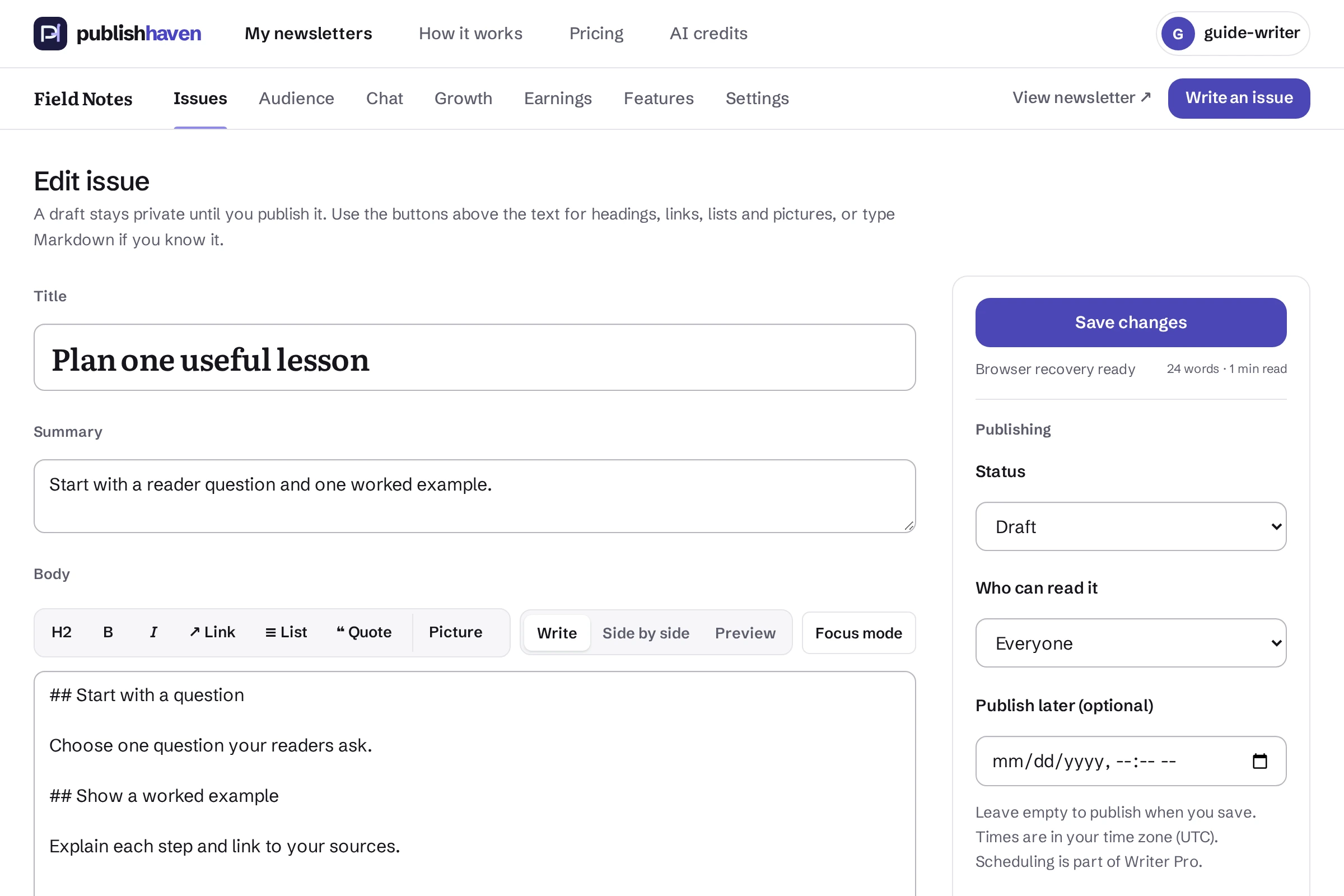
Write the title and summary
Choose Write an issue or edit a draft. Give it a clear title and a short summary that adds context.
Write the body
Use the editor toolbar for headings, lists, links and pictures. Markdown also supports tables and code blocks.
Save the draft
Use the draft save action before leaving the editor. Check that your latest text is shown after saving.
Check both previews
From Issues, open Preview or Email preview. Check links, picture descriptions and the layout on a narrow screen. Return to Edit to correct anything.
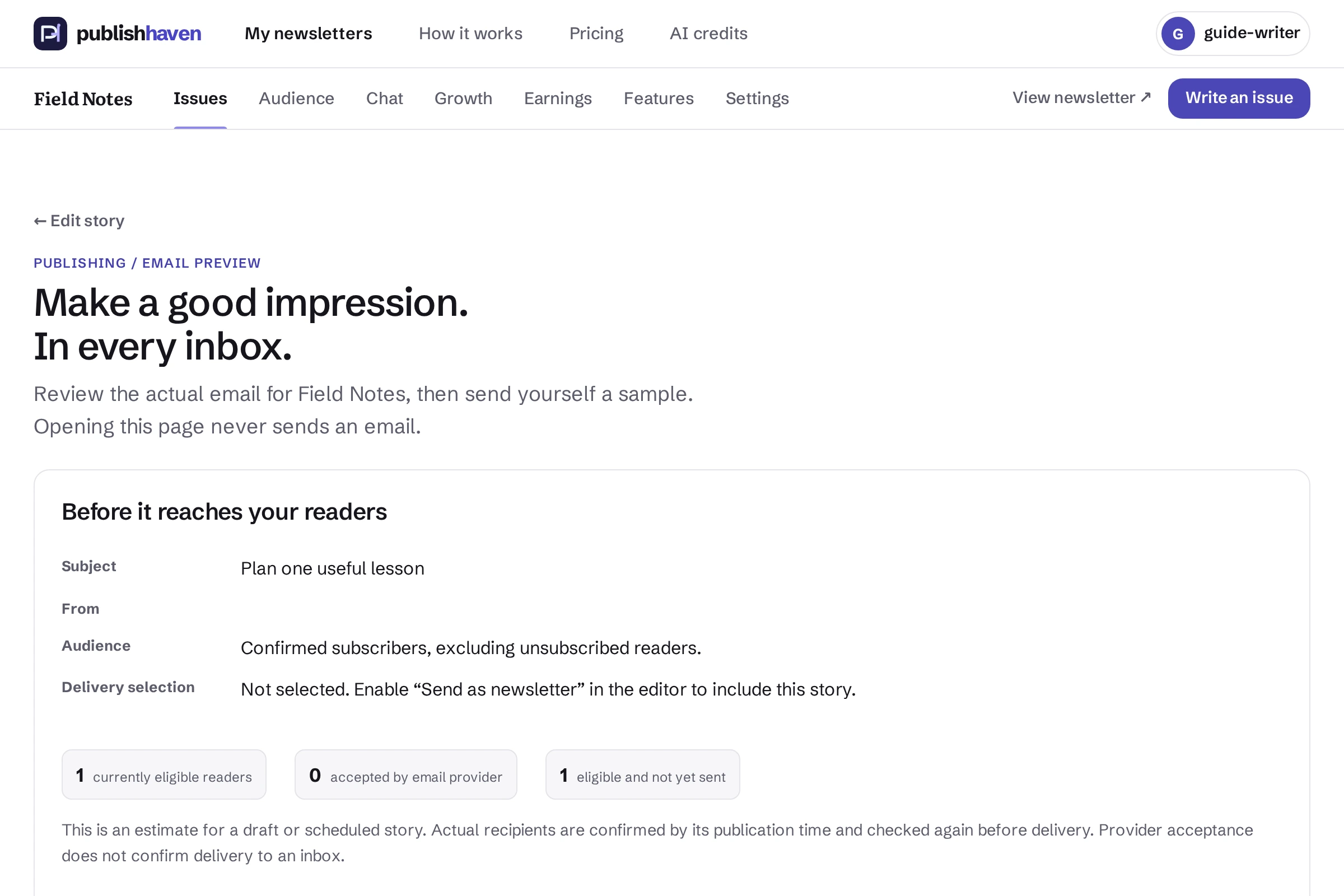
Check both previews · Example workspace. Open the image to view it at full size.
What you should see
A saved issue whose web and email previews you have checked.
Check before you continue
Preview the web page and the email separately. Some email clients display layout differently. Check image descriptions, narrow screens, code examples and the destination of every link before publishing.
If a step is unavailable
Check the plan and feature status shown in your workspace. “Not released yet” or “Setup on hold” needs platform work. “Connect” or “One step left” links to an action you can take. A pending scan, send or payment must finish before its result is available.
If the result still does not appear, contact support@publishhaven.com with the service name and the visible message. Keep private reading links, passwords and payment details out of the message.