 publish
What predictions are, and what they are not
You understand what makes a prediction fair to verify.
Before you start
No payment or bet is involved.
Where to find it: Product → Track record
Open My newsletters →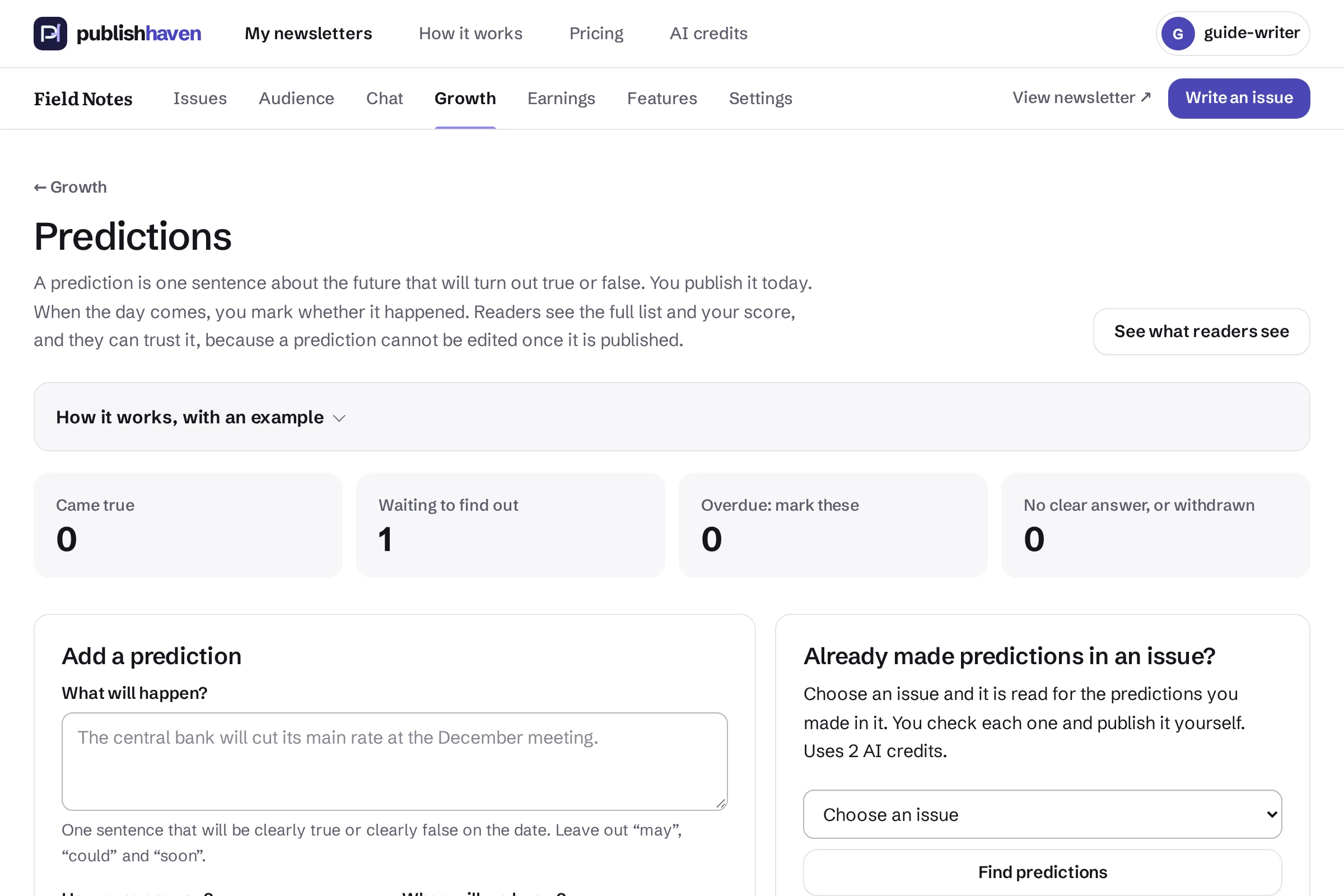
Choose one observable outcome
A useful prediction says what will happen rather than that something might happen.
Give it a deadline
Choose a date and a public source that can establish the result.
State confidence
Use the confidence range shown in the form and check the whole claim before publishing.
Keep the whole history
A published prediction cannot be rewritten afterwards. Correct, wrong, late and withdrawn claims remain visible so the record is meaningful.
What you should see
You understand what makes a prediction fair to verify.
Check before you continue
No money is involved. Nobody bets and nobody pays to predict, so this is not a betting site or a prediction market such as Polymarket. A writer gains proof that they said it beforehand, which is a reason for readers to subscribe and to pay. Readers gain a way to tell which writers are worth listening to, and subscribers can say for free whether they agree.
If a step is unavailable
Check the plan and feature status shown in your workspace. “Not released yet” or “Setup on hold” needs platform work. “Connect” or “One step left” links to an action you can take. A pending scan, send or payment must finish before its result is available.
If the result still does not appear, contact support@publishhaven.com with the service name and the visible message. Keep private reading links, passwords and payment details out of the message.