 publish
Make a prediction and mark the result
A locked prediction becomes part of your public track record.
Before you start
A clear, checkable claim, a deadline and an evidence source.
Where to find it: Newsletter → Growth → Track record
Open My newsletters →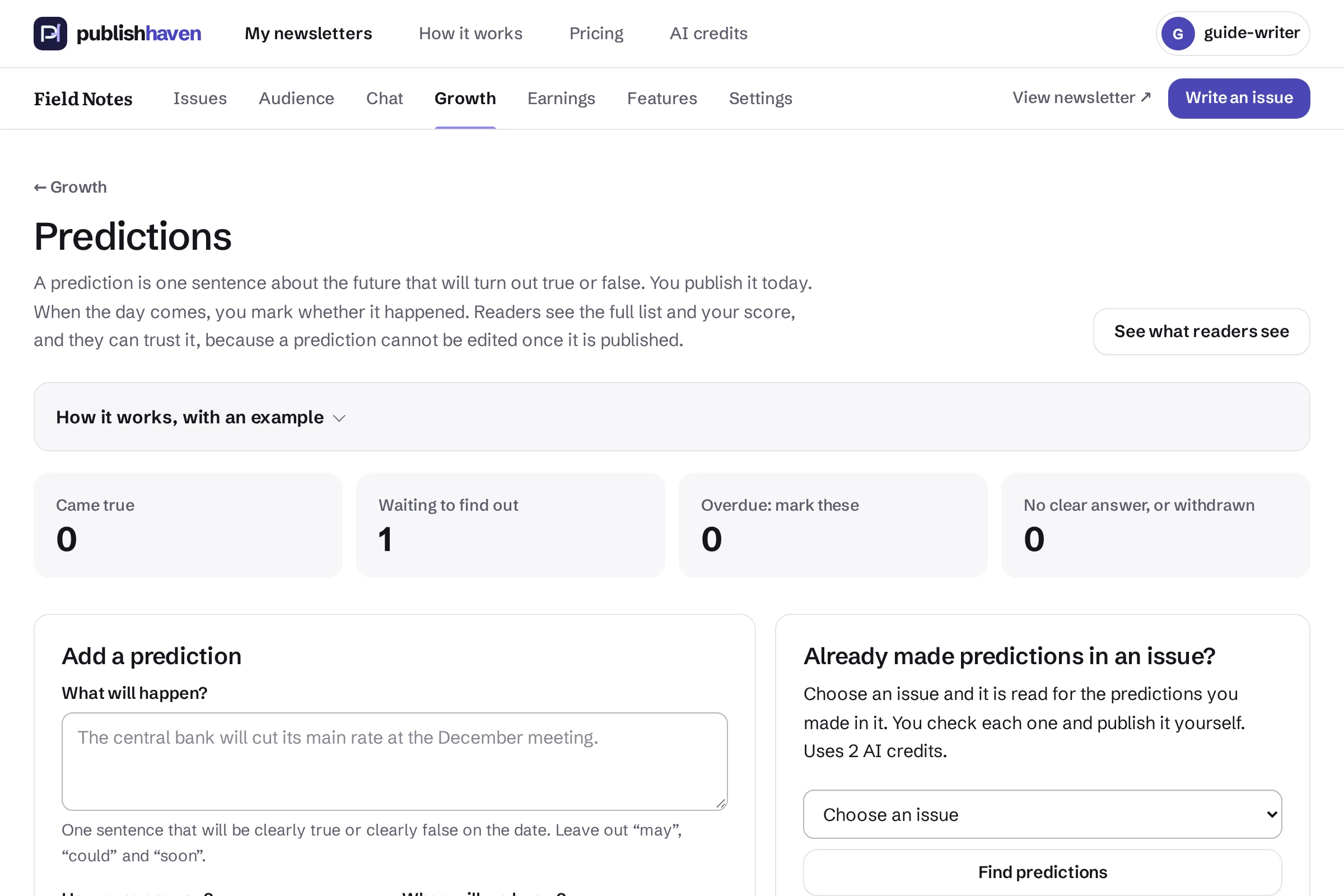
Open Track record
From Growth, open your prediction management page.
Write a checkable prediction
Describe one outcome, choose its deadline and record your confidence. Avoid vague claims that cannot be resolved.
Review before publishing
Check the exact wording and date. Publishing locks the prediction; wrong and withdrawn predictions stay on the record.
Resolve with evidence
When the date arrives, compare the outcome with the original claim, mark the result and add its evidence link. Readers see the score and full history.
What you should see
A locked prediction becomes part of your public track record.
Check before you continue
A prediction cannot be edited or deleted. If you published one by mistake you can withdraw it; readers still see it, marked as withdrawn, with your reason. If you marked the wrong result you can change it, and readers are told. The free plan keeps up to five predictions waiting at a time. Writer Pro keeps up to 200 and lets you show a prediction to paying members first.
If a step is unavailable
Check the plan and feature status shown in your workspace. “Not released yet” or “Setup on hold” needs platform work. “Connect” or “One step left” links to an action you can take. A pending scan, send or payment must finish before its result is available.
If the result still does not appear, contact support@publishhaven.com with the service name and the visible message. Keep private reading links, passwords and payment details out of the message.