 publish
Offer a sponsorship placement
A clearly described placement with reviewed creative and verified payment.
Before you start
An eligible newsletter, payments setup and a real available placement.
Where to find it: Newsletter → Earnings → Sponsorships
Open My newsletters →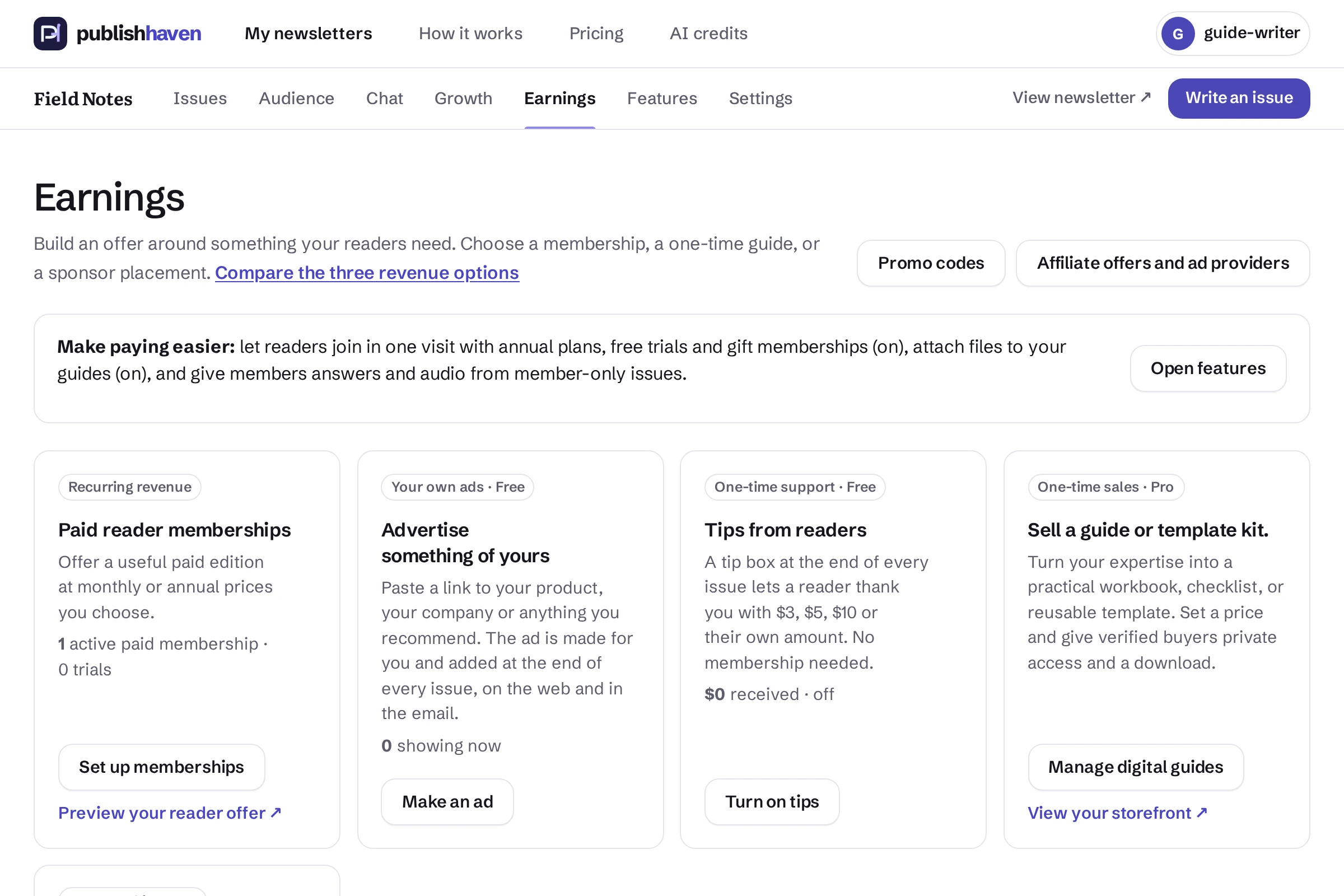
Create a placement
Open sponsorship management and describe the issue date, audience, price and what the sponsor receives.
Review availability
Check that the placement is open and unreserved. The platform advertising directory appears only after its real eligibility threshold is met.
Review the sponsor and creative
Check the sponsor’s destination and proposed wording before accepting. Label the resulting ad clearly.
Verify payment and delivery
Use Earnings to inspect the recorded payment, refund and delivery state. A booking request or subscriber count is not confirmed income.
What you should see
A clearly described placement with reviewed creative and verified payment.
Check before you continue
The public advertising link appears once at least five qualified newsletters have open, unreserved opportunities. Test and suspended newsletters stay out. Only a verified funded placement can be delivered. Review recorded payments and refunds in earnings. Subscriber counts and email opens are not income. Publish Haven does not promise sponsors or sales.
If a step is unavailable
Check the plan and feature status shown in your workspace. “Not released yet” or “Setup on hold” needs platform work. “Connect” or “One step left” links to an action you can take. A pending scan, send or payment must finish before its result is available.
If the result still does not appear, contact support@publishhaven.com with the service name and the visible message. Keep private reading links, passwords and payment details out of the message.