 publish
Write the issue readers are asking for
You turn an unanswered topic into a private issue draft.
Before you start
An enabled archive assistant and genuine reader questions.
Where to find it: Newsletter → Growth → Reader questions
Open My newsletters →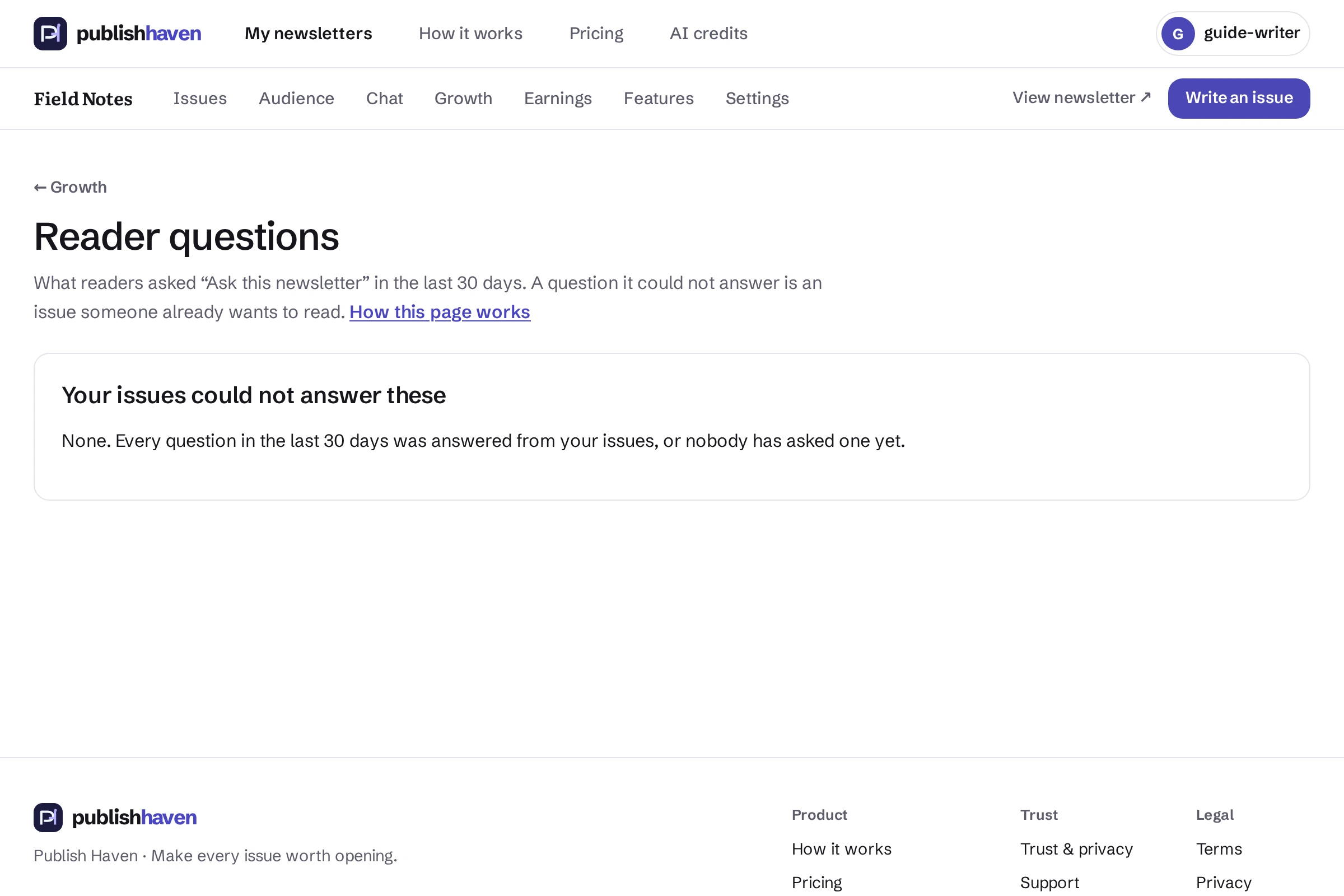
Open Reader questions
From Growth, choose See reader questions.
Review the topics
Read the question groups and identify subjects your archive does not yet answer.
Start a draft
Use the available draft action for a topic you want to cover. Starting the draft does not publish it.
Supply the evidence
Write the answer using sources, check it and preview the issue. Questions show demand, not evidence that a claim is true.
What you should see
You turn an unanswered topic into a private issue draft.
Check before you continue
Readers are never named on this page. The question is copied into your draft as plain words; reword or remove it before you publish if it says anything personal. The page is empty until “Ask this newsletter” is turned on (Features, then “Ask this newsletter”), which needs Writer Pro. When you publish the answer, the next reader who asks is given it, with a link to your issue.
If a step is unavailable
Check the plan and feature status shown in your workspace. “Not released yet” or “Setup on hold” needs platform work. “Connect” or “One step left” links to an action you can take. A pending scan, send or payment must finish before its result is available.
If the result still does not appear, contact support@publishhaven.com with the service name and the visible message. Keep private reading links, passwords and payment details out of the message.