 publish
Privacy, delivery and email activity
You can export data, review erasure and understand delivery measurements.
Before you start
The private reader session or your confirmed writer account.
Where to find it: Reader privacy or Account menu → Privacy & export
Open My newsletters →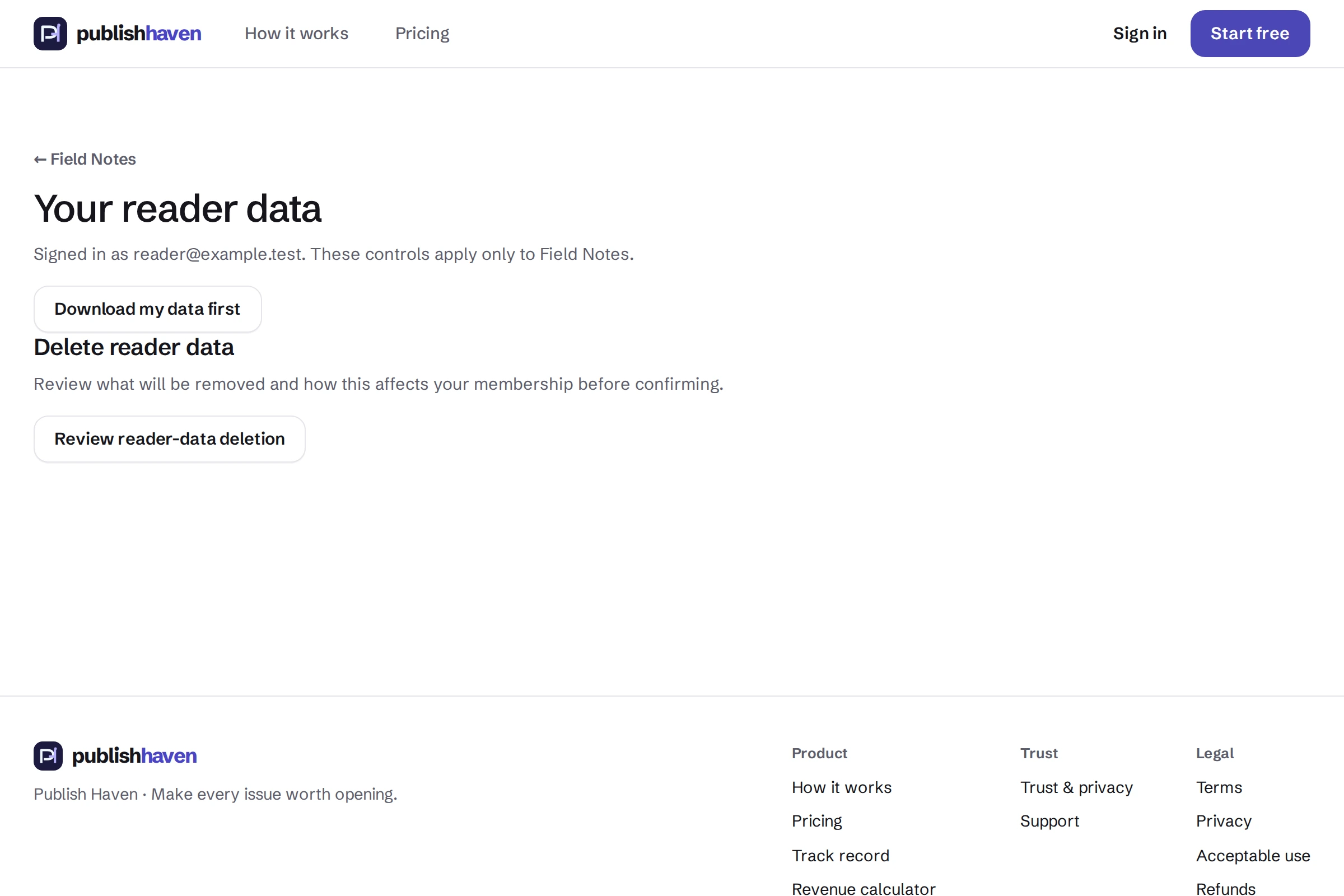
Open the correct privacy page
Readers use their newsletter privacy link. Writers use Privacy & export in the account menu.
Download your data first
Use the export action and keep the downloaded file private.
Review deletion
Reader deletion first shows what will be removed and the membership effect. Type DELETE only if you intend to confirm permanent erasure.
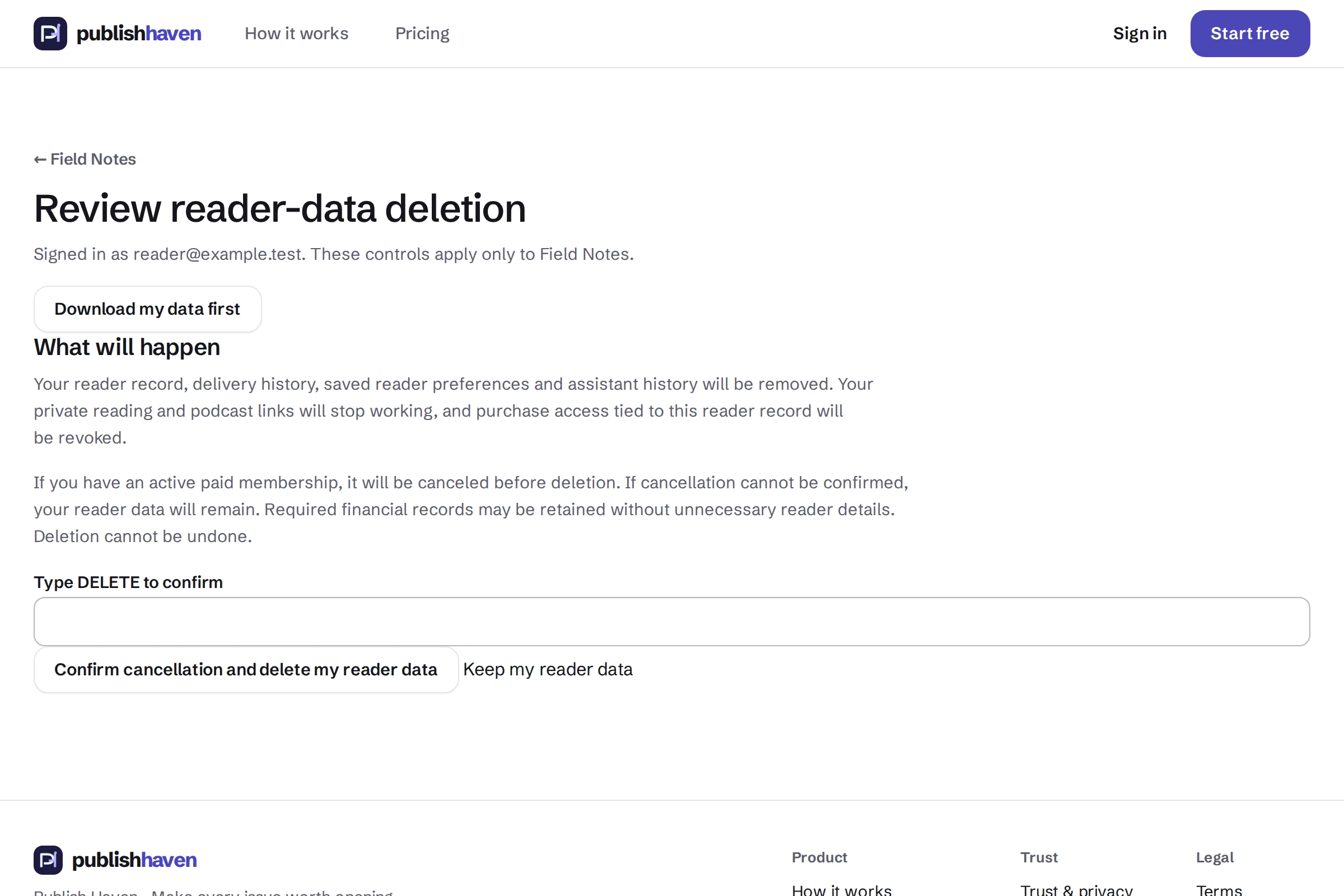
Review deletion · Example workspace. Open the image to view it at full size. Interpret delivery cautiously
Use an email’s unsubscribe link to stop future sends. Provider acceptance and image-load activity do not prove a person received or read an email.
What you should see
You can export data, review erasure and understand delivery measurements.
Check before you continue
Open and click measurements have limits. Image proxies and privacy tools can hide or prefetch opens, and an IP address cannot establish a reader’s exact location. Treat activity as an estimate, not proof of a person reading an issue.
If a step is unavailable
Check the plan and feature status shown in your workspace. “Not released yet” or “Setup on hold” needs platform work. “Connect” or “One step left” links to an action you can take. A pending scan, send or payment must finish before its result is available.
If the result still does not appear, contact support@publishhaven.com with the service name and the visible message. Keep private reading links, passwords and payment details out of the message.