 publish
Give a membership or use a promotion
A recipient privately redeems a one-year gift, or an eligible checkout applies a promotion.
Before you start
Released checkout, connected Stripe and an annual membership offer.
Where to find it: Newsletter → Earnings and public Subscribe page
Open My newsletters →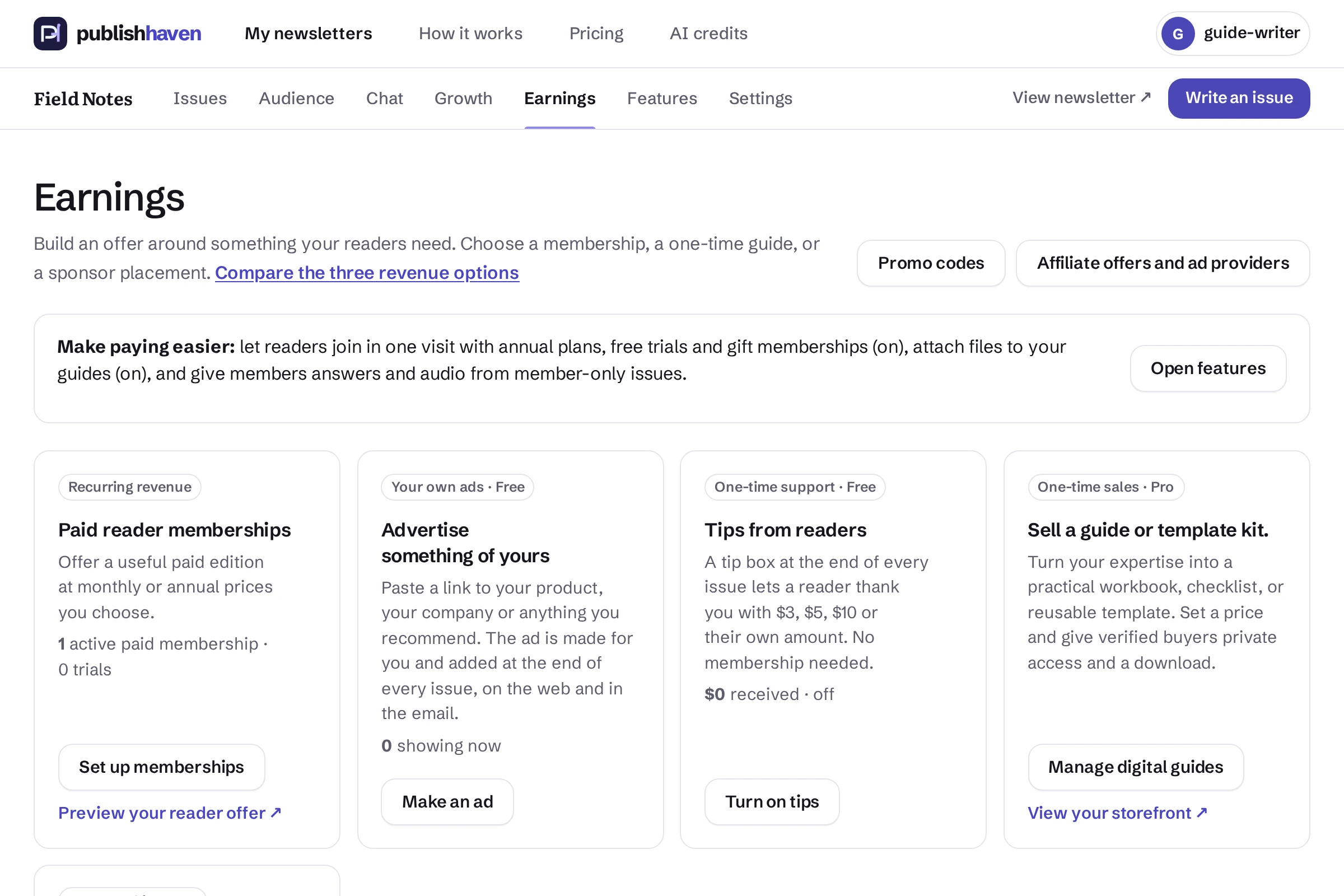
Review the offer
Check the newsletter’s annual membership and gift availability. A gift is one payment for twelve calendar months.
Enter recipient details
The giver uses the gift checkout to choose the recipient and delivery date, then reviews the Stripe-hosted payment.
Redeem privately
The recipient follows the private redemption link and chooses separately whether to receive newsletter emails. Gifts never automatically renew.
Check promotions before sharing
Writers review a promotion’s eligible product, expiry, duration and redemption limit. Refunds and disputes can revoke or hold gift access.
What you should see
A recipient privately redeems a one-year gift, or an eligible checkout applies a promotion.
Check before you continue
A gift reminder arrives thirty days before access ends. A full refund revokes gift access. A payment dispute holds access. A confirmed win restores the original gift term without adding extra time. Check a promotion’s product, duration, expiry and redemption limit before sharing it. Guide buyers keep the version offered when they paid, even if the writer later revises the guide.
If a step is unavailable
Check the plan and feature status shown in your workspace. “Not released yet” or “Setup on hold” needs platform work. “Connect” or “One step left” links to an action you can take. A pending scan, send or payment must finish before its result is available.
If the result still does not appear, contact support@publishhaven.com with the service name and the visible message. Keep private reading links, passwords and payment details out of the message.