 publish
How subscription confirmation works
The confirmed reader joins this newsletter’s delivery list.
Before you start
A reader-controlled email address and a working confirmation email.
Where to find it: Newsletter website → Subscribe
Open My newsletters →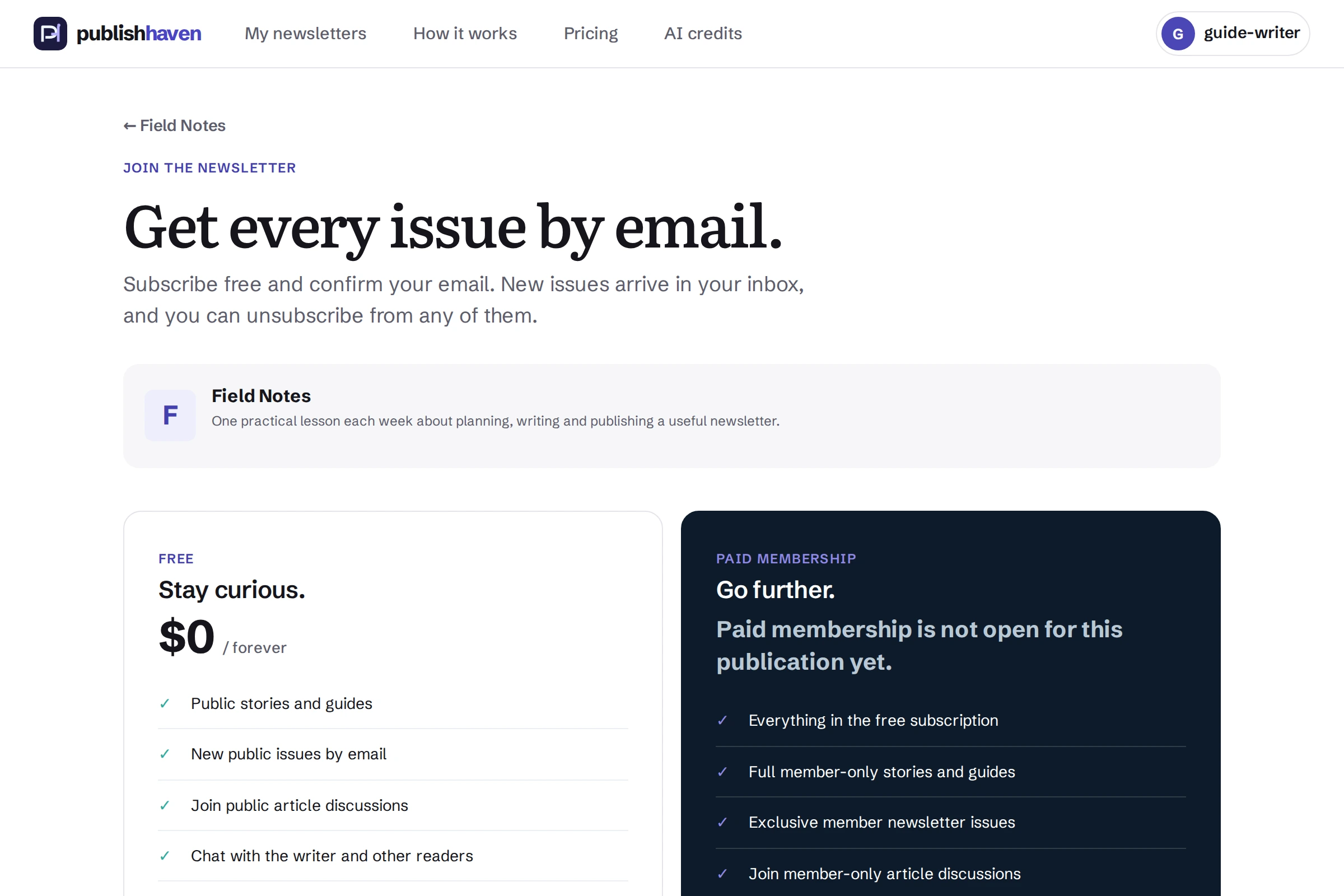
Open Subscribe
A reader opens your newsletter website and selects Subscribe.
Submit the address
Enter the address that should receive this newsletter and submit the signup form.
Confirm from the inbox
Open the confirmation email and follow its link. Check spam if it has not appeared.
Check reader access
Return to the newsletter. Confirmation signs the reader in on that device. Paid checkout access and email confirmation remain separate.
What you should see
The confirmed reader joins this newsletter’s delivery list.
Check before you continue
Each newsletter has its own subscription and unsubscribe choice. A recommendation signup requires an explicit selection and consent. Do not import addresses without existing permission from their owners.
If a step is unavailable
Check the plan and feature status shown in your workspace. “Not released yet” or “Setup on hold” needs platform work. “Connect” or “One step left” links to an action you can take. A pending scan, send or payment must finish before its result is available.
If the result still does not appear, contact support@publishhaven.com with the service name and the visible message. Keep private reading links, passwords and payment details out of the message.